


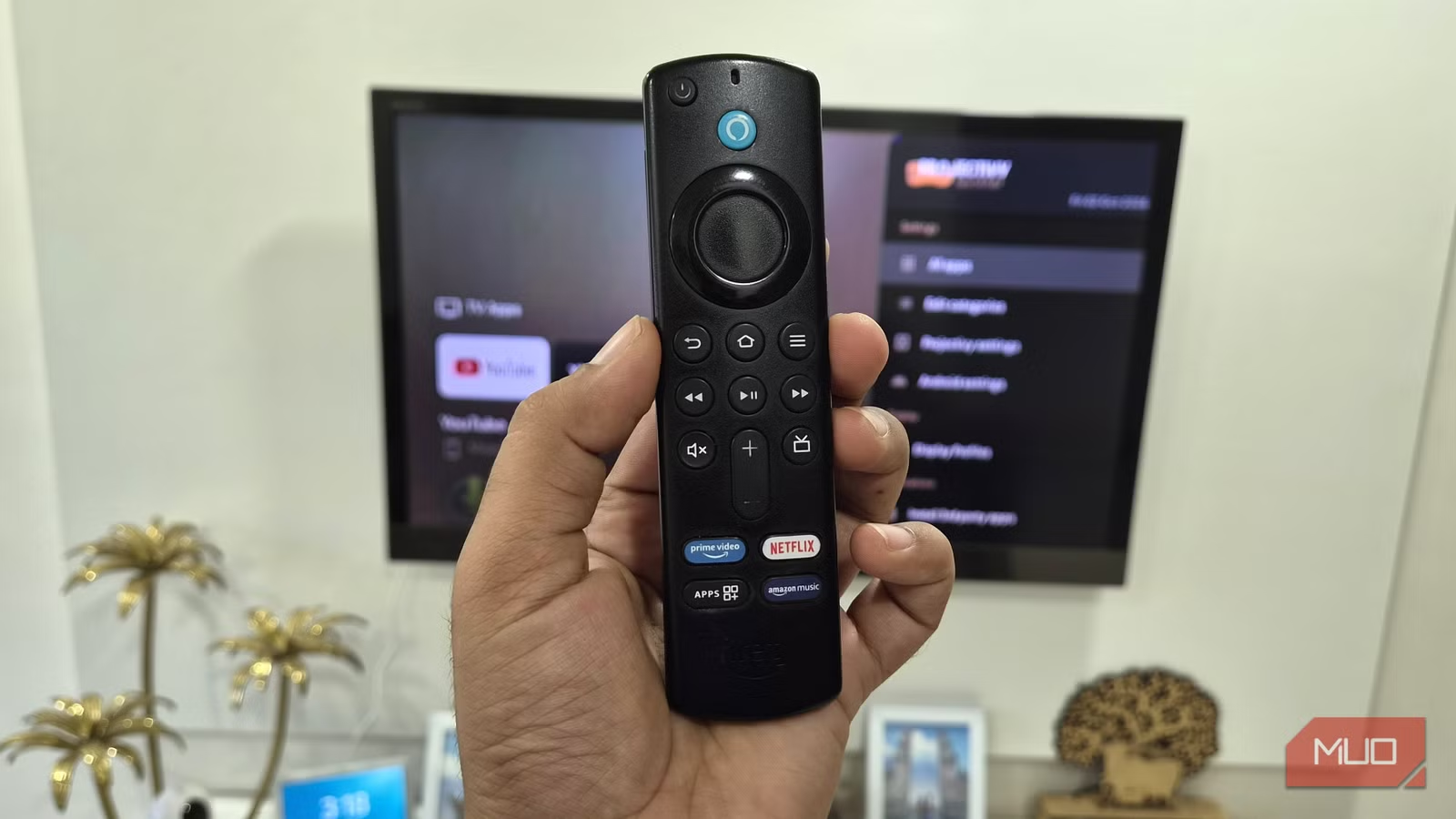
Fire TV devices are great value for money, but they’re not exactly popular for their speed or ease of use. These issues are more noticeable on older models because they just aren’t capable of handling a heavy stock launcher. So, when my four-year-old Fire TV started feeling sluggish, I replaced the default launcher for Projectivy, and it was enough to make the device usable again.
Related
I stopped using my Fire TV Stick just for streaming after finding these apps
This affordable device provides some useful tools and transforms into a wireless file hub, web browser, and media front end.
Projectivy Launcher made my old Fire TV new again
Same hardware but more fun
Shaun Cichacki/MUO
My Fire TV stick is old enough that it’s no surprise that it’s not as snappy as it used to be. But Amazon’s default launcher doesn’t help either. It isn’t lightweight by any means, and the impact is easy to notice on older Fire TV devices. It’s also filled with ads and sponsored banners, which ruins the overall experience.
Replacing the launcher is an easy fix for that, and since I’d already been using Projectivy Launcher on my Android TV, I went with that. It was a clear upgrade over the default launcher, and the first thing I noticed was how much faster it felt.
The biggest difference, though, was ads, or rather the lack of them. Projectivy Launcher doesn’t show any ads or autoplaying trailers, so I didn’t have to ignore anything or waste time digging through settings to turn autoplay off.
Even getting to my apps feels quicker. With Amazon’s default launcher, I often had to tap “All Apps” just to reach the ones I used less frequently. That’s not an issue with Projectivy, since I can arrange everything in a grid layout and see almost all my apps at once. It even has a handy status bar that shows the clock and a shortcut to open settings.
I can finally customize my Fire TV the way I want
Amazon’s rules no longer apply
The biggest strength of Projectivy Launcher is how customizable it is. If you want to change something, there’s a good chance the option is somewhere inside its settings.
If the status bar isn’t your thing, for instance, you can hide it. The same goes for wallpaper — you can set up a live wallpaper if the static image feels too plain. It even gives you finer controls, like the ability to adjust the icon spacing and change the font style and size. Beyond that, you can hide app labels, categorize apps in sections, switch backgrounds, change fonts, tweak accent color, and do a lot more.
I honestly don’t use all of these options. Still, it’s nice to know these options are there if needed. This flexibility is obviously lacking in Fire TV’s default launcher. So yes, speed isn’t the only reason to switch.
Almost all of these features are available in the free version. There’s a paid version too, if you want it, and it’s reasonably priced at a one-time fee of around $7–$8.
Installing it is tricky, but it’s worth it
You only need to do it once
Projectivy Launcher is fun, but getting it on your Fire TV is anything but. You can’t just head to the app store and install it. Amazon obviously doesn’t want you replacing its launcher, so that’s not surprising. Still, since Fire OS is based on Android, you can sideload Projectivy Launcher with a bit of work.
For this, you first need to enable Developer Options on your Fire TV. Head to Settings > My Fire TV > About and click the Fire TV name repeatedly until you see a message that says Developer Options enabled. Then, go back, select Developer Options and turn on ADB debugging and Install unknown apps.
Once that’s done, it’s time to download the Projectivy Launcher APK and install it. There are a couple of ways to go about it. You can download the APK directly on your TV using an app like Downloader, or use atvTools on your phone to push it to your Fire TV instead. I prefer the latter since you just need to download the Projectivy Launcher APK on your phone and install it on Fire TV directly.
These steps work for most Fire TV devices, but I say “most” because the newer devices running Vega OS sadly don’t allow sideloading at all. There’s another catch, too. Fire TV won’t let you set Projectivy Launcher as the default, so you’ll need to open it manually after every reboot. There are workarounds to this, but they’re time-consuming enough that most people won’t bother.
You don’t have to stop here
Ditching the default Fire TV launcher is just a start, really. There’s still plenty you can do to make your Fire TV feel new again. Things like disabling Amazon’s data monitoring services, clearing the cache, and removing unwanted apps can all help make your Fire TV run better than before.